How do you confirm HW4 on a used Model 3?
Ask the seller for a current photo of the Software screen and Additional Vehicle Information, with the VIN tied to the same car. Tesla directs owners to Controls → Software → Additional Vehicle Information to check the computer configuration. Have the seller explain the computer entry if the wording is unclear; keep the exact wording with the listing.
A model year, a camera close-up or “Full Self-Driving capable” in an advertisement is not the evidence used by this guide to confirm HW4. If the computer is a deal-breaker, leave the car marked unconfirmed until the seller supplies a readable record. You can still compare the vehicle while that question is open.
Computer hardware and FSD software access are separate purchase questions. For the package and ownership-transfer checks, use our FSD guide alongside this one. FSD requires active driver supervision and does not make the car autonomous.
Source: Tesla: checking the installed computer configuration
What battery evidence is useful before a visit?
Request any existing battery-health result, its date, the odometer reading and the method used. Also ask about battery replacements, charging faults and unresolved alerts. A photo of estimated miles remaining is useful context, but it is not the same record as a measured battery-health result.
Tesla documents a Battery Health screen and, on equipped vehicles, a Battery Health Test. Availability varies; the manual says the test can occupy an AC charger for up to 24 hours and recommends it when there is a concern about energy retention. Ask what evidence is already available. Do not assume every seller can produce a fresh test during a short appointment.
If the seller has no usable result, keep battery condition unknown and discuss an inspection with a qualified EV technician. A test result does not replace a check of the charging system, warning messages, damage or repair history.
Source: Tesla Model 3 manual: high-voltage battery health and test availability
Current used Model 3 listings to investigate
Photos and links come from current dealer listings. Examples leave this guide when they no longer meet its checks; confirm availability and unresolved details with the selling dealer.
2025 Tesla Model 3 Performance
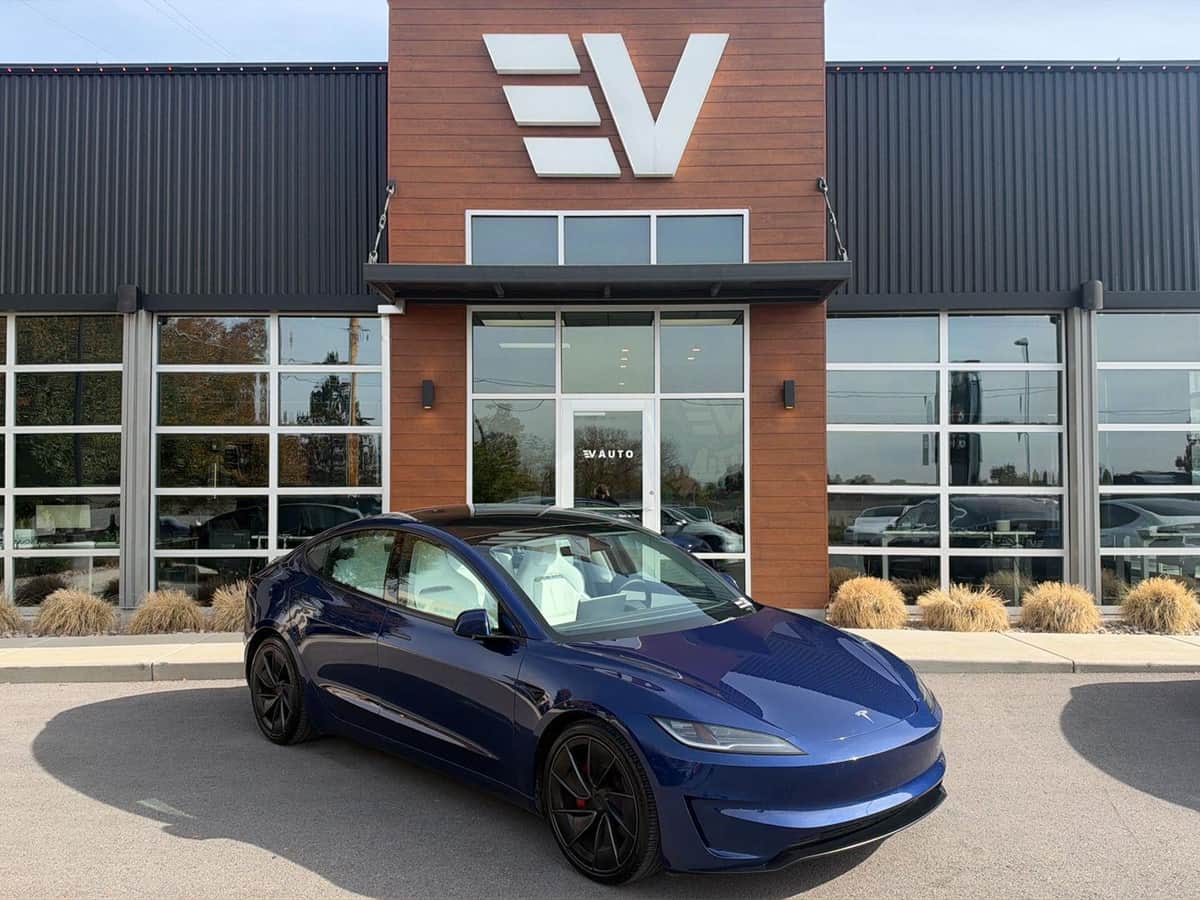
VIN: 5YJ3E1ET8SF038541
22,800 mi · AWD · Electric
Ask for current computer-screen evidence, any dated battery-health result and the VIN-specific coverage record. The model year does not confirm those details.
These are current Model 3 listings, not confirmed HW4 matches. Installed computer, battery health and remaining warranty have not been verified for these examples.
2025 Tesla Model 3 Long Range
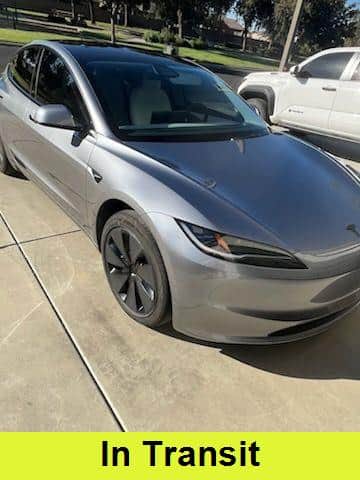
VIN: 5YJ3E1EA7SF995404
32,719 mi · RWD · Electric
Ask for current computer-screen evidence, any dated battery-health result and the VIN-specific coverage record. The model year does not confirm those details.
These are current Model 3 listings, not confirmed HW4 matches. Installed computer, battery health and remaining warranty have not been verified for these examples.
2025 Tesla Model 3 Long Range
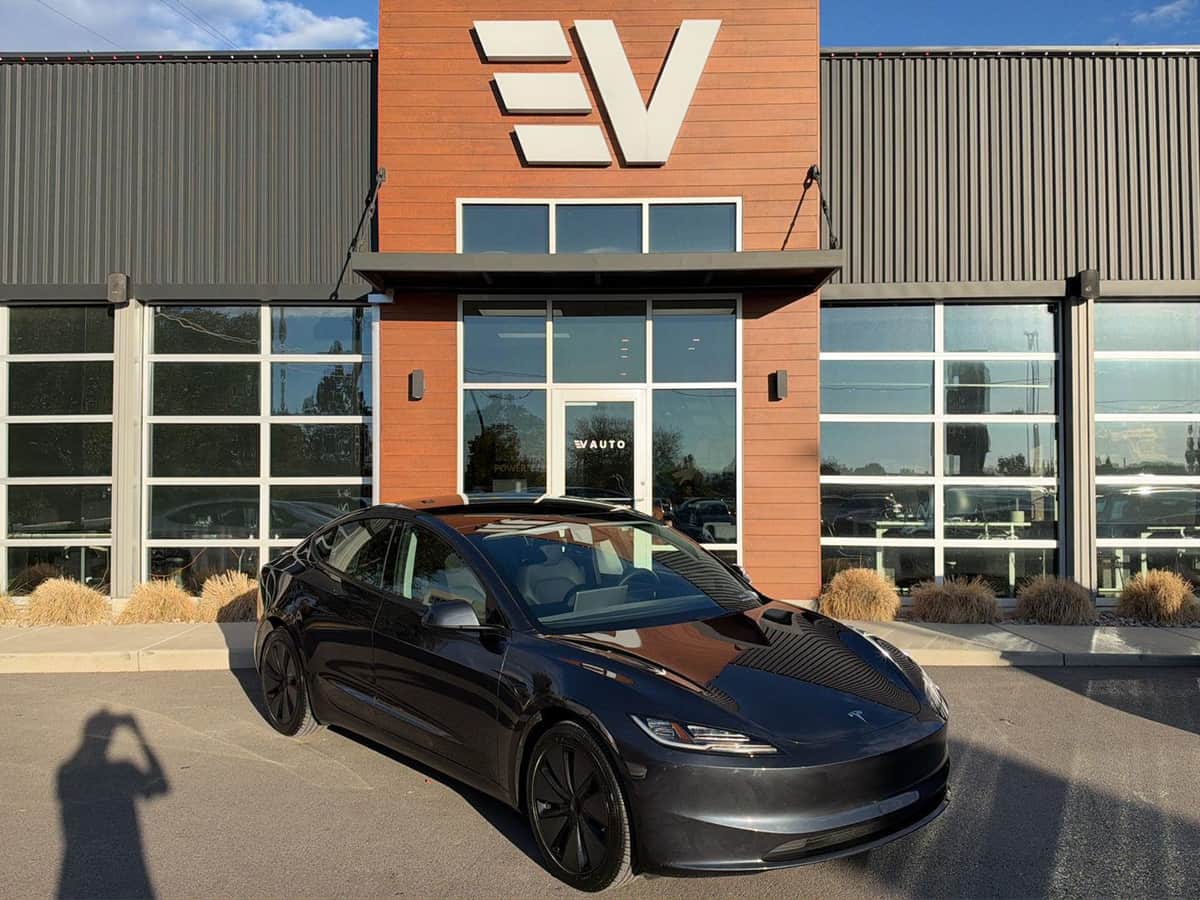
VIN: 5YJ3E1EAXSF984915
44,623 mi · RWD · Electric
Ask for current computer-screen evidence, any dated battery-health result and the VIN-specific coverage record. The model year does not confirm those details.
These are current Model 3 listings, not confirmed HW4 matches. Installed computer, battery health and remaining warranty have not been verified for these examples.
Which warranty would remain after you buy it?
Ask for the original in-service date, current mileage and the coverage record for this VIN. Record basic-vehicle coverage and battery/drive-unit coverage separately, including their time and mileage limits. Tesla says the warranty supplied with the vehicle is authoritative; a current website table is not a substitute for an older car’s documents.
Tesla’s additional Pre-Owned Vehicle Limited Warranty describes eligible vehicles purchased directly from Tesla. Do not assume that an independent dealer’s Model 3 carries that additional cover. Ask the seller to identify any factory coverage, dealer warranty or separate service contract and provide the applicable terms.
Compare the unanswered questions as well as the cars
For each VIN, keep five entries together: computer evidence, battery evidence, warranty record, history/inspection and location. Write “not supplied” in an empty entry. A newer year or lower odometer reading should not silently fill the other four columns.
The current examples come from participating US dealers and can change. Their model, mileage and drivetrain are listing information; their appearance here does not verify the computer, battery or warranty. Confirm the car’s physical location before arranging a test drive, especially if your shortlist spans several states.
Check the VIN for recalls and ask the seller for completion records where relevant. NHTSA explains that its lookup has limitations, including repaired recalls and some recently announced campaigns; a blank result is not a complete vehicle-history report.
Send a question the seller can answer with evidence
“I am interested in VIN [VIN]. Before I visit, please send current Software and Additional Vehicle Information photos, any existing battery-health result with its date, and the remaining warranty record. Please confirm mileage, physical location and whether an independent EV inspection is possible. If a detail is unknown, please say so.”
Once those answers arrive, compare them against your daily travel and charging arrangements. Keep the seller’s response with the listing so the same questions do not have to be reconstructed at the appointment.
Get help finding your next car
Tell the AI assistant your ZIP code, travel distance and must-have features. Here is a starting point you can adapt:
Help me shortlist used Tesla Model 3 listings near my ZIP code. HW4 matters to me. Do not infer it from the year or trim. Separate confirmed computer information, battery-condition evidence and remaining warranty from details that need a seller reply.
You can also browse current listings or shop with Car Handshake in ChatGPT. Confirm unresolved equipment and availability with the selling dealer.
Publication notes
2026-10-29: Initial publication. Tesla documentation and current US Model 3 listings reviewed on 29 Oct 2026. The examples are not certified HW4, battery-health or warranty matches.
Report a correction to support@dealerhandshake.com.